Create Your Own Cartoon with AI, from Story to Publication
Script, characters, sets, animation, voices and music: make your own cartoon with ChatGPT and AI tools, no drawing skills needed.
What you will learn
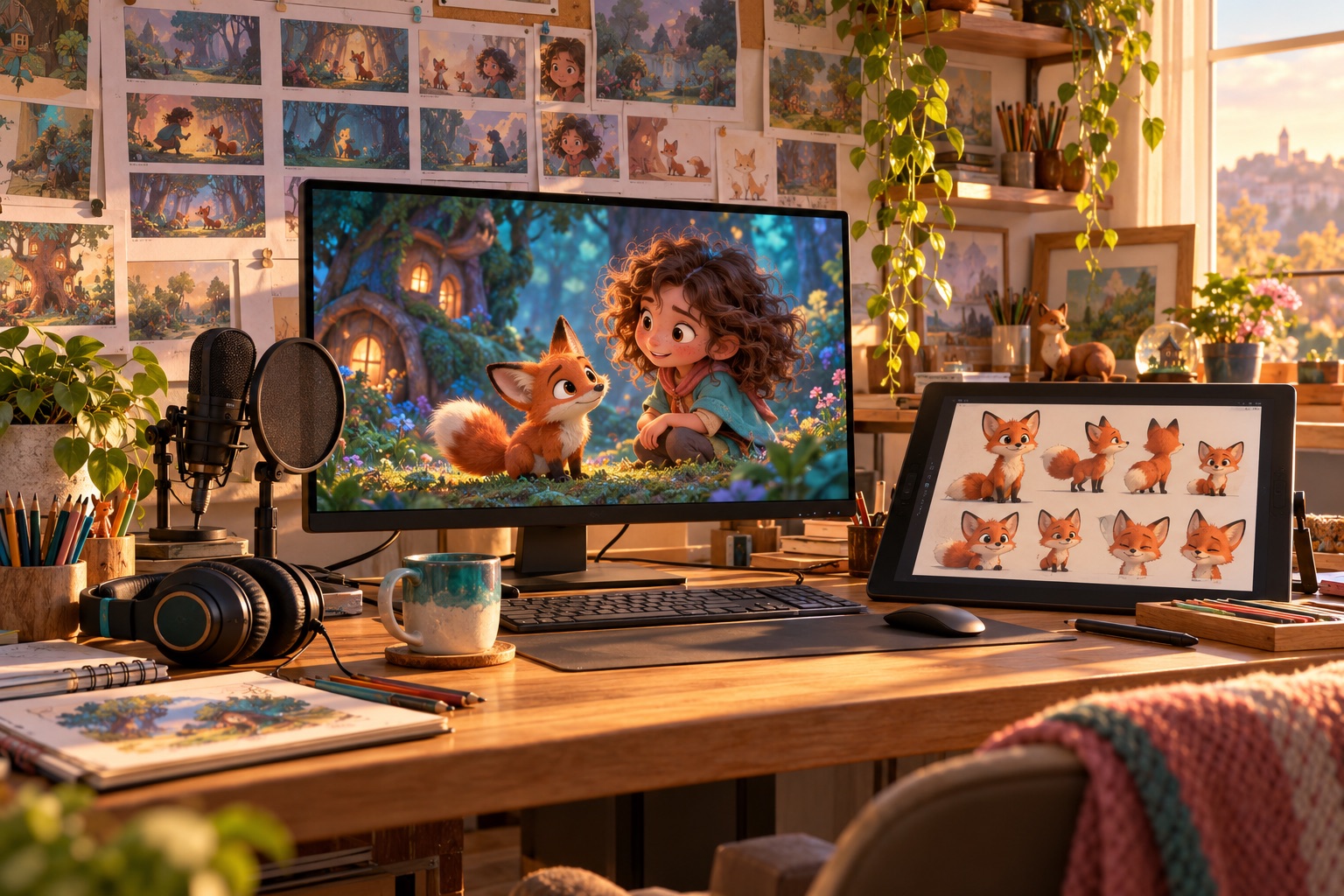
Make your own cartoon with ChatGPT and AI tools: you imagine the story and the characters, AI helps you draw them, animate them and give them a voice.
-
Scriptwriting with AIA short story that works, written in your own voice
-
Consistent charactersA character sheet and techniques to keep the same face from one shot to the next
-
Sets and world-buildingAn art bible for your whole series
-
Storyboard and animaticPrepare every shot before animating
-
AI animationTurn your images into animated shots with video generators
-
Voices, music and sound effectsA professional soundtrack that respects copyright
-
Editing and publishingA finished episode, ready for YouTube and social media
A step-by-step learning path
11 modules and 50 lessons to progress step by step.
1Welcome: your AI animation studio4 lessons
- 1.1 Welcome: the cartoon you are going to create
- 1.2 How AI makes animation: possibilities and limits
- 1.3 The tools in this course and a realistic budget
- 1.4 Organising your production folder
2The story: idea, characters and script5 lessons
- 2.1 Finding a strong idea for a specific audience
- 2.2 The structure of a short story that keeps people watching
- 2.3 Writing the script with ChatGPT or Claude, then making it your own
- 2.4 Dialogue: writing for voice and image
- 2.5 Template: script and character sheet
3Visual style and character design5 lessons
- 3.1 Choosing the visual style of your cartoon
- 3.2 Creating your main character with ChatGPT
- 3.3 The character sheet: front, profile, expressions and poses
- 3.4 Secondary characters and colour palette
- 3.5 Keeping the same character from one image to the next
4Sets and the world of your story4 lessons
- 4.1 Designing the key locations of your story
- 4.2 Generating sets that match your style
- 4.3 Props, objects and recurring elements
- 4.4 Your art bible
5Storyboard and shot breakdown4 lessons
- 5.1 From script to shot-by-shot breakdown
- 5.2 Shot sizes, angles and camera moves
- 5.3 Creating the storyboard in images with AI
- 5.4 The animatic: testing the pace before animating
6Animating your images with AI5 lessons
- 6.1 Overview of AI video generators and how to choose
- 6.2 From image to video: animating a shot from a key image
- 6.3 Writing precise motion prompts
- 6.4 Keeping shots consistent with each other
- 6.5 Fixing common flaws
7Your characters' voices4 lessons
- 7.1 Recording your own voice or working with voice actors
- 7.2 Creating a synthetic voice for each character
- 7.3 Syncing lips to the voice
- 7.4 Voice ethics: what is allowed and what is not
8Music, sound effects and atmosphere4 lessons
- 8.1 The role of sound in a cartoon
- 8.2 Music: royalty-free libraries and AI generators
- 8.3 Sound effects and ambience
- 8.4 Mixing voices, music and effects
9The final edit5 lessons
- 9.1 Assembling the shots in CapCut or DaVinci Resolve
- 9.2 Pace, transitions and continuity
- 9.3 Titles, credits and subtitles
- 9.4 Colour grading: harmonising the colours
- 9.5 Exporting for YouTube, social media and screenings
10Rights, ethics and protecting your work5 lessons
- 10.1 Who owns a cartoon made with AI?
- 10.2 Famous characters, studio styles and brands: what to avoid
- 10.3 Tool terms of use and commercial use
- 10.4 Transparency and platform rules, especially for children's content
- 10.5 Legal checklist before publication
11Publishing, growing and making the most of your cartoon5 lessons
- 11.1 Publishing on YouTube and social media
- 11.2 Trailers and short formats
- 11.3 From short film to series
- 11.4 Making the most of your creation
- 11.5 Review and production plan for your series
Full course overview
You have a story in mind and characters running around in your head, but you think a cartoon takes a studio, years of learning to draw and a big budget? With ChatGPT and today's AI tools, you can make your own cartoon, even if you can't draw.
The promise
This course guides you step by step, from the idea to publishing a finished episode. AI helps you write, create the characters and sets, animate the images and give them a voice. You remain the director: you choose the story, the style and every shot.
The method
- The story: find an idea, build a short script and dialogue that work.
- Characters and world: character sheets, sets and an art bible, with techniques to keep the same character from one image to the next.
- The storyboard: shot-by-shot breakdown and an animatic to test the pace before animating.
- Animation: turn your images into animated shots with AI video generators, and fix the flaws.
- Sound: character voices, lip sync, music and sound effects.
- Editing and publishing: assemble, harmonise the colours, export and publish.
What you actually build
A short 2 to 3 minute cartoon, designed as the pilot episode of a series, with its art bible, its reference characters and a production plan for the next episodes.
Safely
A whole module covers copyright, the licences of tools and music, respect for people's voices and likeness, and the rules for content made for children.
Who is it for?
Creatives, parents, teachers, authors, illustrators, content creators and entrepreneurs: no drawing or animation skills are needed.
This course is in preparation: modules open progressively and your access details are sent by email as soon as it opens.
Your cartoon with AI: going further
To go further, Create your own illustrated book reuses your characters in a picture book. Then, Create professional videos with AI helps you publish your cartoon with AI on YouTube. Finally, OpenAI presents ChatGPT, the tool at the heart of the method.
Who is it for?
- Creatives and animation fans who dream of making their own cartoon
- Parents, grandparents and teachers who want to create animated stories for children
- Authors and illustrators who want to bring their books and characters to life
- Content creators looking for an original format for YouTube and social media
- Entrepreneurs, trainers and associations who want to explain or promote through animation
Prerequisites
- A computer (Windows or Mac) with a stable internet connection
- No drawing, animation or editing skills are required
- A ChatGPT account; a paid plan is recommended for image creation
- A monthly budget for at least one AI video generator during production (offers and prices are covered in the course)
Practical information
Detailed programme (PDF)- Format
- Remote (e-learning), at your own pace
- Duration
- 20 hours of training
- Price
- €597 · payment in instalments available
- Access arrangements and timescales
- Online registration at any time. Access to the course opens as soon as payment is confirmed. On first access, a positioning questionnaire (situation, goals, starting level, adjustment needs) lets us tailor your support; a free preliminary call is still available on request.
- Teaching methods
- Distance learning (FOAD) on the platform, available 24/7: demonstration videos, downloadable resources, practical exercises based on real cases and a running project. Live virtual classes and replays. Trainer reachable by email or phone, with a reply within 48 working hours; optional one-to-one mentoring.
- Assessment methods
- Positioning questionnaire on entry, automatically marked quizzes (to be passed to complete the course), tracking of progress and learning time, satisfaction questionnaires at the end and later on. A certificate of completion is issued automatically at the end of the course, with the results achieved; a certificate of achievement and an attendance record can be downloaded.
- Accessibility
- This course is accessible to people with disabilities. Contact our disability officer before enrolling so that we can look at possible adjustments together (materials, pace, support). Learn more
- Contact
- A question before enrolling? Book a free call · contact@mypaschool.fr · 06 07 08 00 54
Information sheet updated on October 11, 2026. Our results indicators · Make a complaint