Create Professional AI-Powered Videos and Visuals for YouTube and Social Media
From script to thumbnail: film on your smartphone, edit faster with AI and publish with a real strategy.
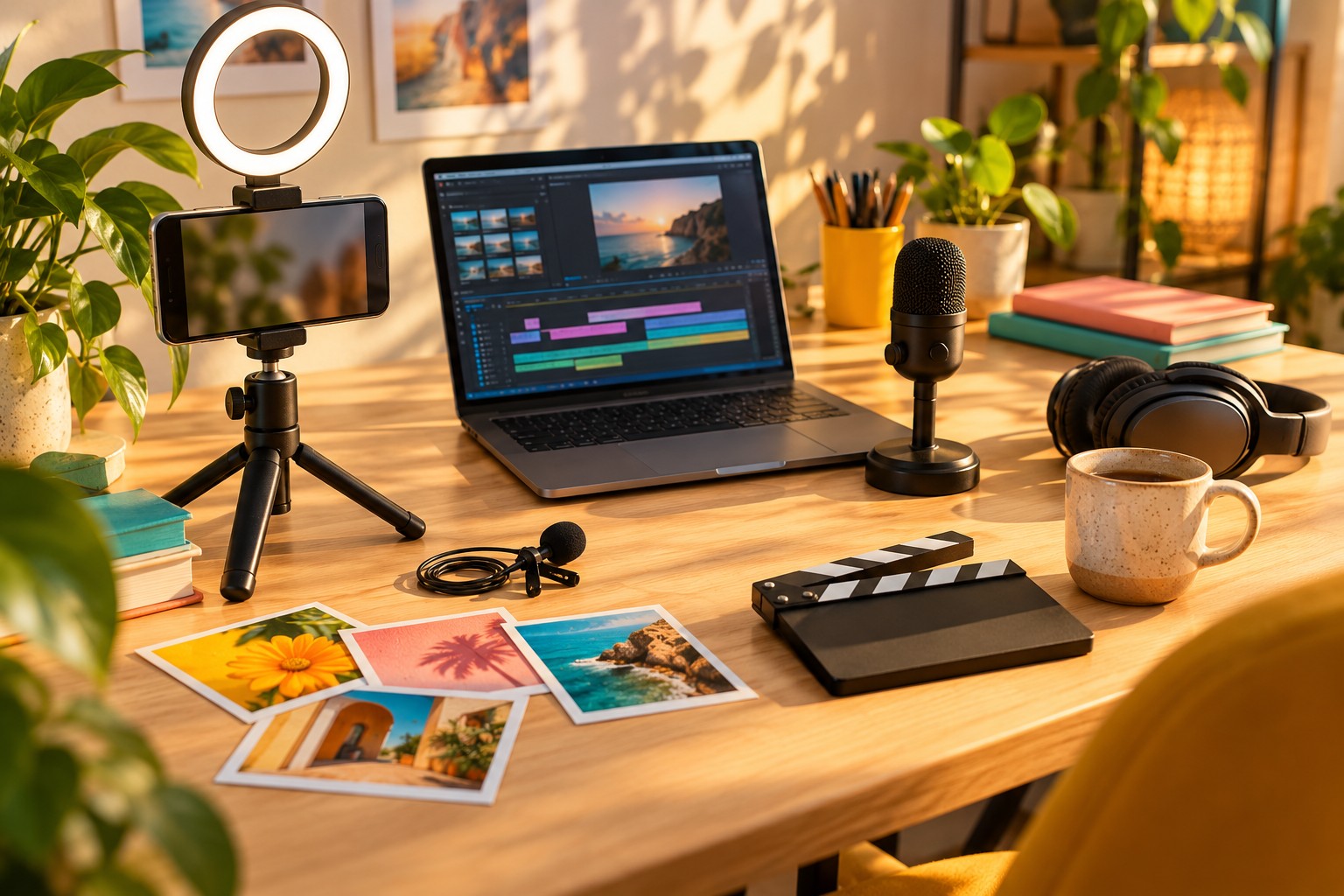
What you will learn
Learn to create professional-quality videos and thumbnails with a smartphone and AI, and to publish on YouTube and social media methodically.
-
Channel strategyClear positioning, an ideal viewer and content pillars
-
Scripts with AIWell-researched ideas and structured scripts, in your own voice
-
Smartphone filmingProfessional-grade lighting, sound and framing
-
AI-assisted editingSubtitles, automatic cuts and cleaned-up voice
-
Thumbnails that make people clickAI, Canva and Photoshop, while never misleading viewers
-
Shorts and ReelsThen turn every long-form video into several short formats
-
YouTube SEOTitles, descriptions, chapters and reading your analytics
-
Rights and ethicsMusic, images, AI voices and avatars used safely
A step-by-step learning path
12 modules and 52 lessons to progress step by step.
1Channel strategy and positioning5 lessons
- 1.1 Welcome: the course and your running project
- 1.2 Defining your goal and your ideal viewer
- 1.3 Finding your positioning and content pillars
- 1.4 Channel identity: name, banner, avatar, about section
- 1.5 Worksheet: one-page channel strategy
2Finding ideas and writing your scripts with AI5 lessons
- 2.1 Finding video ideas people are actually searching for
- 2.2 The structure of a video that holds attention
- 2.3 Writing a complete script with AI, then making it your own
- 2.4 Full script, outline or teleprompter: choosing how you speak
- 2.5 Prompt library for ideas and scripts
3Filming with a smartphone: lighting, sound, framing5 lessons
- 3.1 The minimum kit (and what you don't need at first)
- 3.2 Setting up your smartphone for filming
- 3.3 Lighting: window, lamp and 3-point lighting
- 3.4 Sound: the most important part
- 3.5 Framing, set and on-camera presence
4Editing: CapCut, DaVinci Resolve or Descript5 lessons
- 4.1 Choosing your editing software
- 4.2 Organising your files and importing your footage
- 4.3 Editing basics: cutting, sequencing, pacing
- 4.4 Dressing up your video: titles, text, music, B-roll
- 4.5 Exporting in the right format for each platform
5Saving editing time with AI4 lessons
- 5.1 Automatic subtitles: generate, correct, style
- 5.2 Editing by text and removing silences automatically
- 5.3 Cleaning up your voice and improving sound with AI
- 5.4 Auto-reframing, cut-outs and other AI tools
6Thumbnails and visuals with AI, Canva and Photoshop6 lessons
- 6.1 What makes a good thumbnail
- 6.2 Generating images and backgrounds with AI
- 6.3 Creating your thumbnail in Canva
- 6.4 Going further with Photoshop and Generative Fill
- 6.5 Rolling out a visual identity across all your social channels
- 6.6 Pack: thumbnail templates and image prompts
7AI voices and avatars: possibilities and ethical limits3 lessons
- 7.1 Synthetic voices and cloning your own voice
- 7.2 AI video avatars: useful applications and results to avoid
- 7.3 Ethics, transparency and platform rules
8Shorts and Reels: repurposing your long-form videos4 lessons
- 8.1 The role of short formats in your strategy
- 8.2 Spotting the best clips with AI
- 8.3 Editing an effective vertical video
- 8.4 Publishing on several platforms without redoing everything
9YouTube SEO: titles, descriptions, chapters4 lessons
- 9.1 How YouTube recommends videos
- 9.2 Writing effective, honest titles with AI
- 9.3 Description, chapters, tags and subtitles
- 9.4 Reading YouTube Analytics and improving your videos
10Publishing calendar and community4 lessons
- 10.1 Building a sustainable publishing calendar
- 10.2 Batch production to save time
- 10.3 Nurturing your community
- 10.4 Collaborating with other creators
11The basics of monetisation3 lessons
- 11.1 The YouTube Partner Programme: requirements and realities
- 11.2 Selling your own products and services through video
- 11.3 Affiliate marketing and brand partnerships, transparently
12Copyright: music, images and AI-generated content4 lessons
- 12.1 Music and sound: what you can use
- 12.2 Images, stock footage and fonts
- 12.3 AI and rights: who owns what you generate?
- 12.4 Pre-publication legal checklist
Full course overview
Want to get started with video but think you need an expensive camera, a studio and hours of editing? Good news: a smartphone, a few settings and the right AI tools are all it takes to produce professional-quality videos and visuals.
What you will learn
You begin with strategy: who your channel is for, what promise it makes and what content to publish. Next, you write your scripts with AI while keeping your own voice. Then you move on to practice: lighting, sound and framing on a smartphone, editing with CapCut, DaVinci Resolve or Descript, and all the AI features that save you time (automatic subtitles, silence removal, voice clean-up, vertical reframing).
What you will actually build
- A YouTube channel with clear positioning and a polished identity
- 3 long-form videos, scripted, filmed and edited
- 6 Shorts or Reels drawn from your long-form videos
- Thumbnails and visuals created with AI, Canva and Photoshop
- A realistic publishing calendar and optimised YouTube listings
You will also explore AI voices and avatars and their ethical limits, the basics of monetisation without false hopes, and the essential rules of copyright: music, images, image rights and AI-generated content.
Who is it for?
This course is for beginners, entrepreneurs, trainers, authors and creatives who want to communicate through video, even if they have no prior technical skills.
What is included
In short: 12 modules, 48 videos, ready-to-use templates, layouts and prompts, checklists, practical exercises, a quiz for each module and a certificate of completion.
Course in preparation: modules will open progressively. You will receive your access by email as soon as it opens.
Your videos with AI: going further
To go further, Create your own cartoon with AI teaches you to tell animated stories. Then, Finally sell your products and services helps you turn your videos with AI into sales. Finally, YouTube shares its official advice on YouTube Creators.
Who is it for?
- Beginners who want to launch a YouTube channel or a video account
- Entrepreneurs, freelancers and shopkeepers who want to promote their business through video
- Trainers, coaches and authors who want to share their knowledge and raise their profile
- Creators who already publish but want to save time with AI
- Charities and project leaders who want to communicate through video on a small budget
Prerequisites
- A recent smartphone that can film in 1080p
- A computer (Windows or Mac) recommended for editing; a tablet or phone may be enough to start with
- A Google account to create or manage a YouTube channel
- A free account on an AI tool (Claude or ChatGPT) and on Canva
- No video or graphic design experience is needed
Practical information
Detailed programme (PDF)- Format
- Remote (e-learning), at your own pace
- Duration
- 18 hours of training
- Price
- €197 · payment in instalments available
- Access arrangements and timescales
- Online registration at any time. Access to the course opens as soon as payment is confirmed. On first access, a positioning questionnaire (situation, goals, starting level, adjustment needs) lets us tailor your support; a free preliminary call is still available on request.
- Teaching methods
- Distance learning (FOAD) on the platform, available 24/7: demonstration videos, downloadable resources, practical exercises based on real cases and a running project. Live virtual classes and replays. Trainer reachable by email or phone, with a reply within 48 working hours; optional one-to-one mentoring.
- Assessment methods
- Positioning questionnaire on entry, automatically marked quizzes (to be passed to complete the course), tracking of progress and learning time, satisfaction questionnaires at the end and later on. A certificate of completion is issued automatically at the end of the course, with the results achieved; a certificate of achievement and an attendance record can be downloaded.
- Accessibility
- This course is accessible to people with disabilities. Contact our disability officer before enrolling so that we can look at possible adjustments together (materials, pace, support). Learn more
- Contact
- A question before enrolling? Book a free call · contact@mypaschool.fr · 06 07 08 00 54
Information sheet updated on October 11, 2026. Our results indicators · Make a complaint